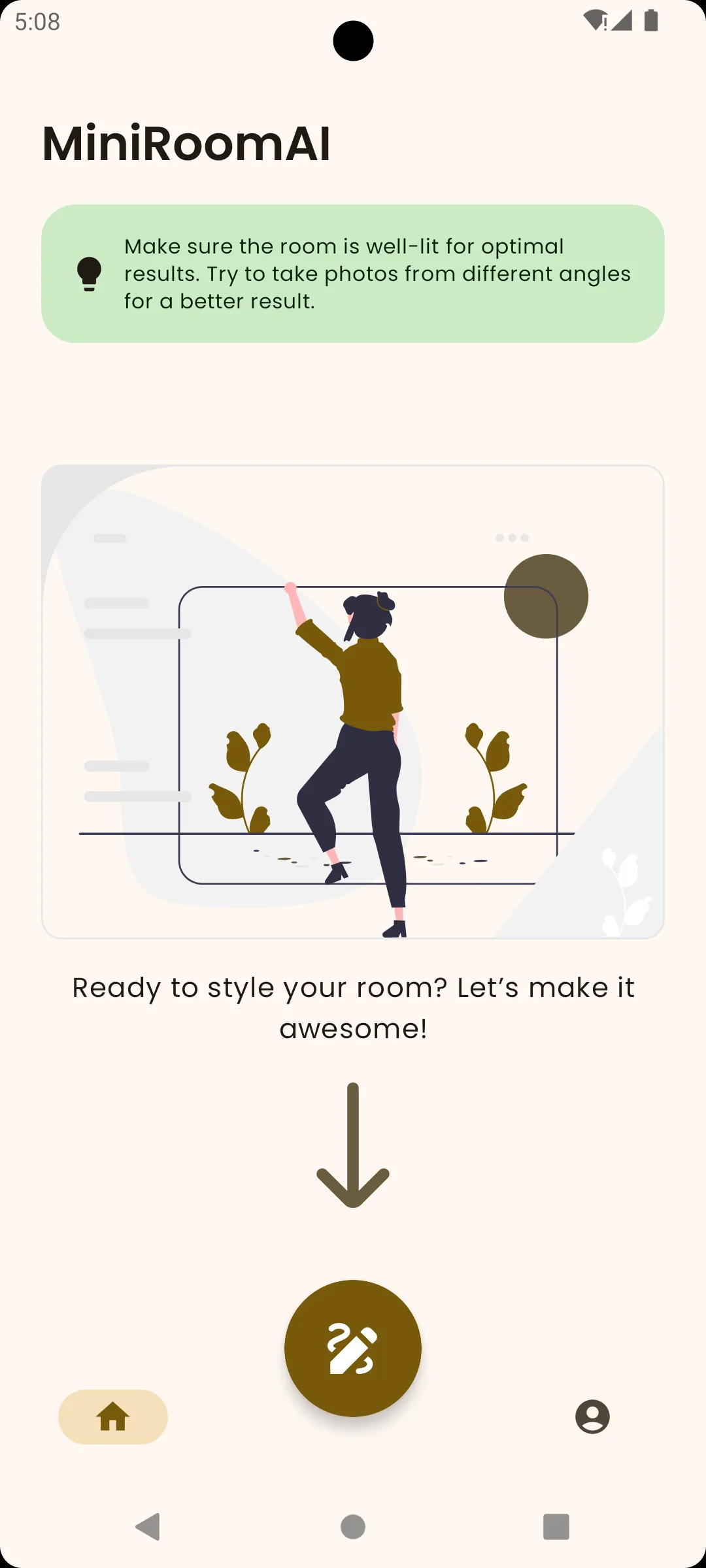
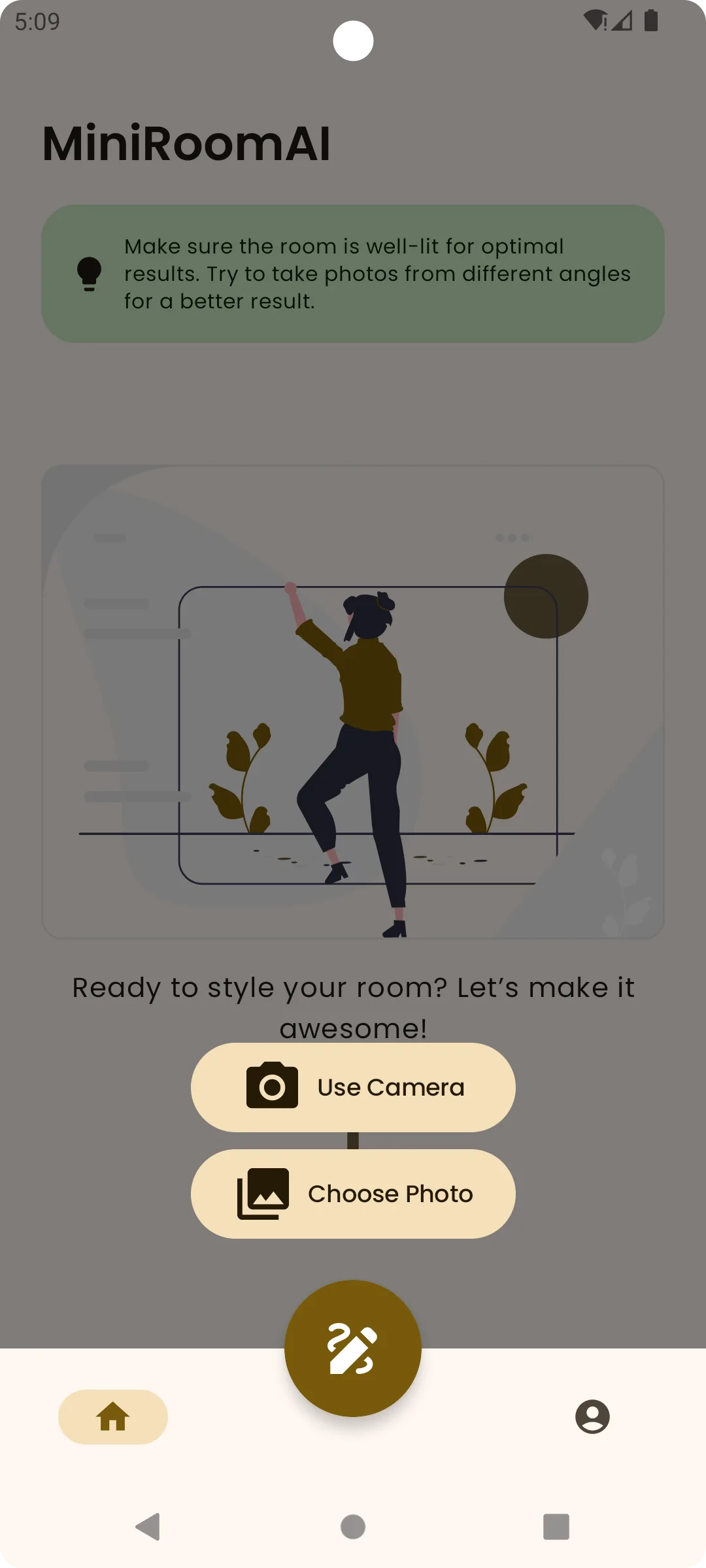
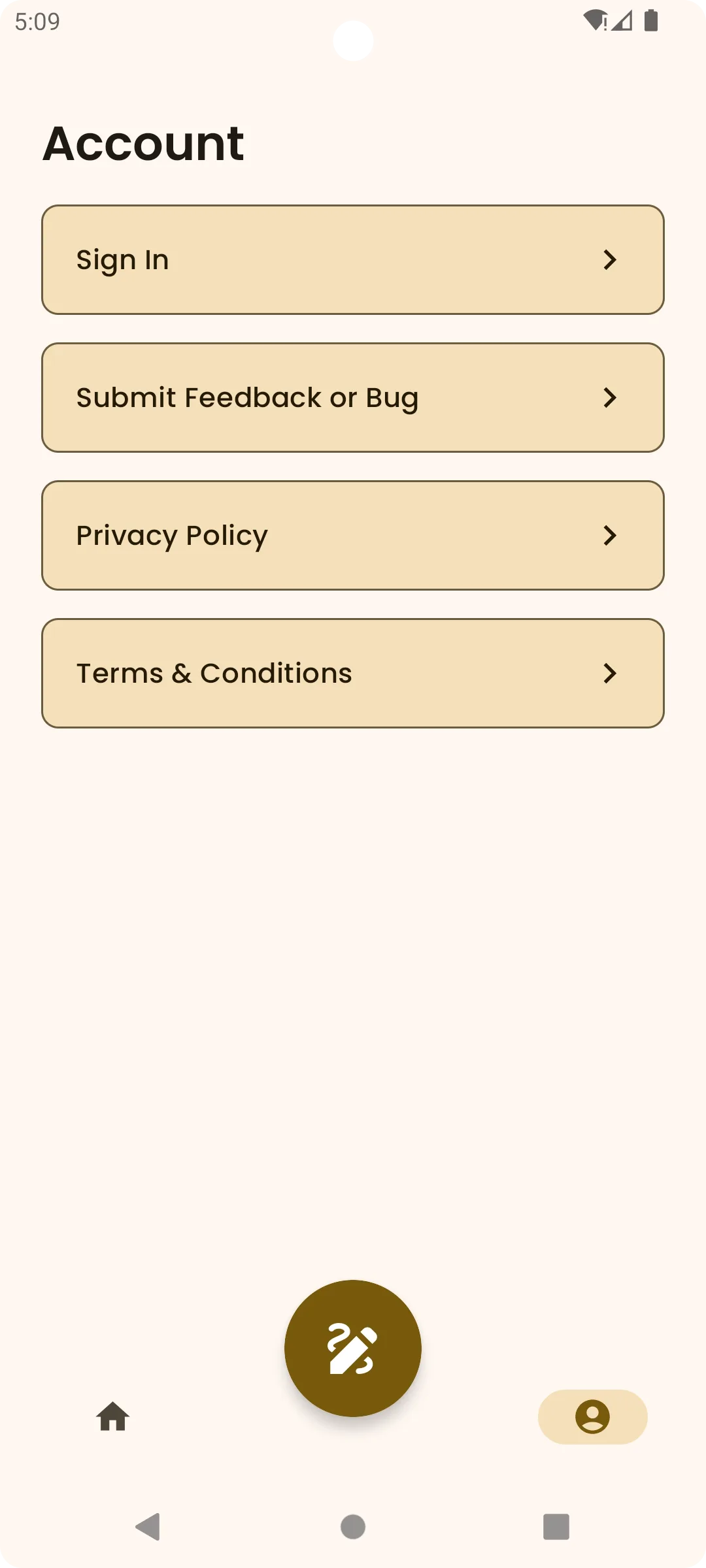
ai interior design app

AI Interior Design App for Room Photos

AI interior design app

Use your own room photo

Start from the current layout, light, windows, and furniture so ideas stay grounded in the actual space.

  • Describe the style in plain language

    Ask for modern, cozy, Scandinavian, minimalist, or a more personal mix when a preset is not enough.

  • Compare before you shop

    Use the generated image as a reference before buying paint, lighting, rugs, or furniture.

AI Interior Design App for Room Photos
Quick and simple

How it works in 3 steps

Upload a photo

Choose a clear, well-lit room photo.

01

Describe a style

Ask for the look in plain language.

02

Compare and save

Keep the ideas that help you decide.

03
FAQ

Frequently asked questions

Yes. Upload a clear room photo, describe the direction you want, and the app generates visual ideas from that image.

Not yet. The iPhone version is planned, but the app is currently available on Google Play.

Yes. You can keep useful ideas so you can compare options and share a visual direction.

No. MiniRoom AI is made for quick visual exploration in plain language.

No. It helps with early inspiration and decision-making, not construction plans, measurements, or professional advice.
Download MiniRoom AI
  • Get it on Google Play
Download
Redesign
Compare
Save
Share
Google Play
Download
Redesign
Compare
Save
Share
Google Play