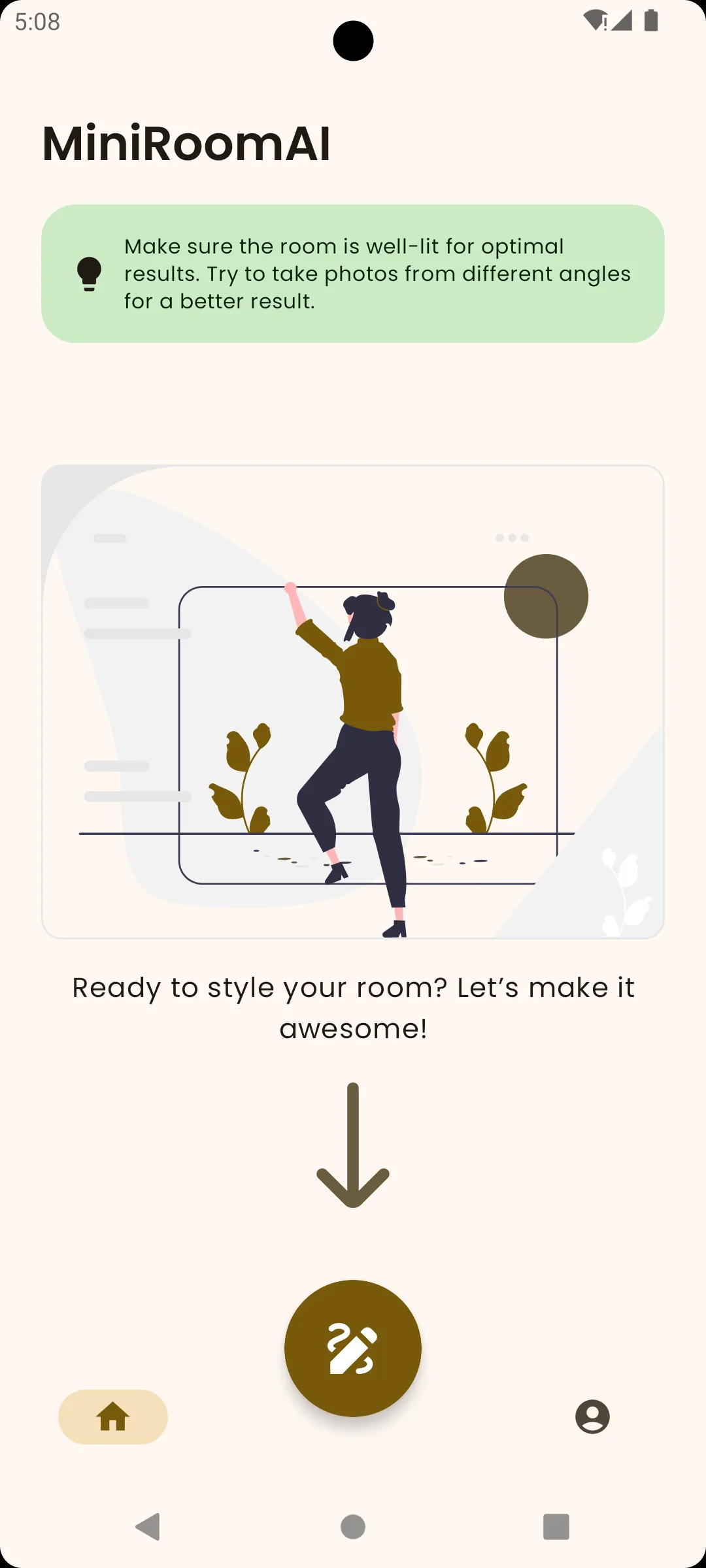
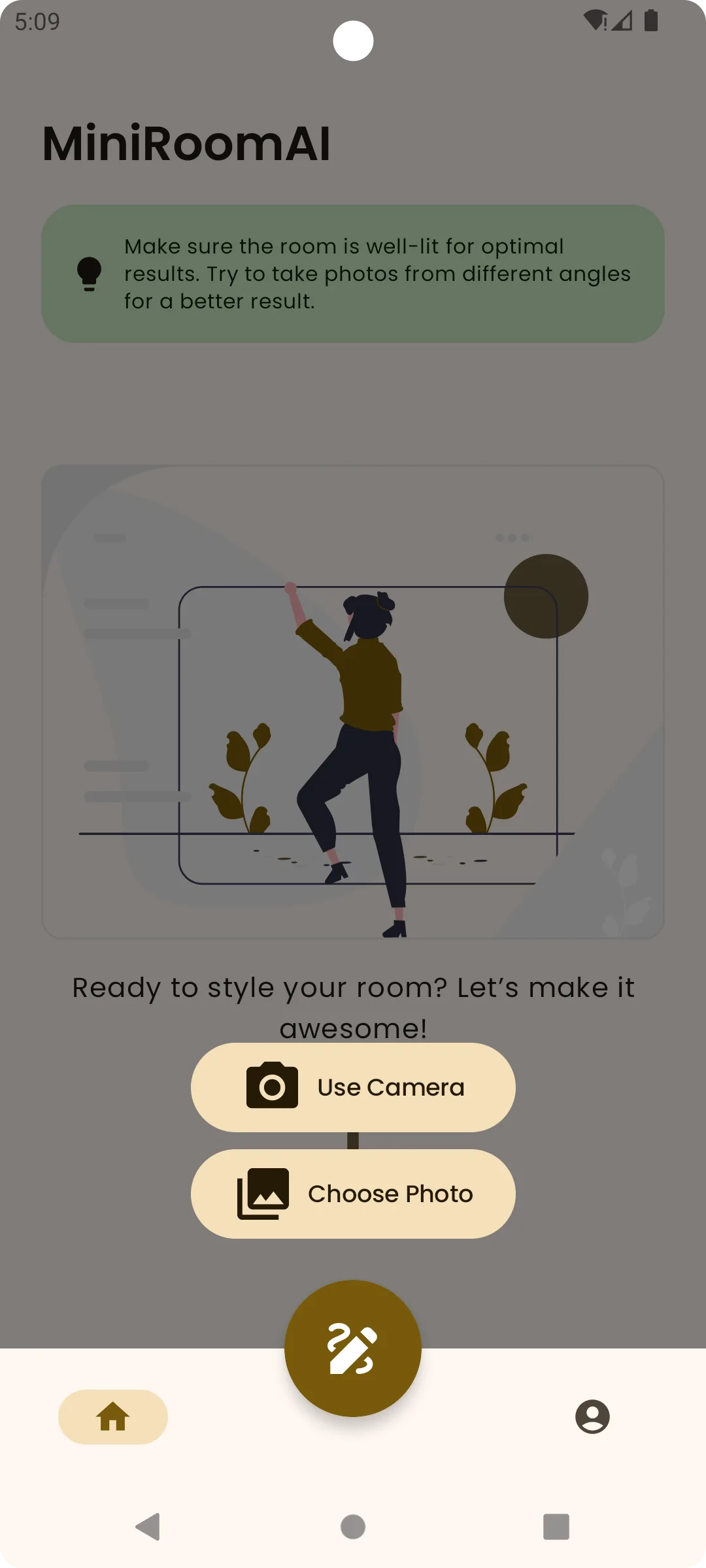
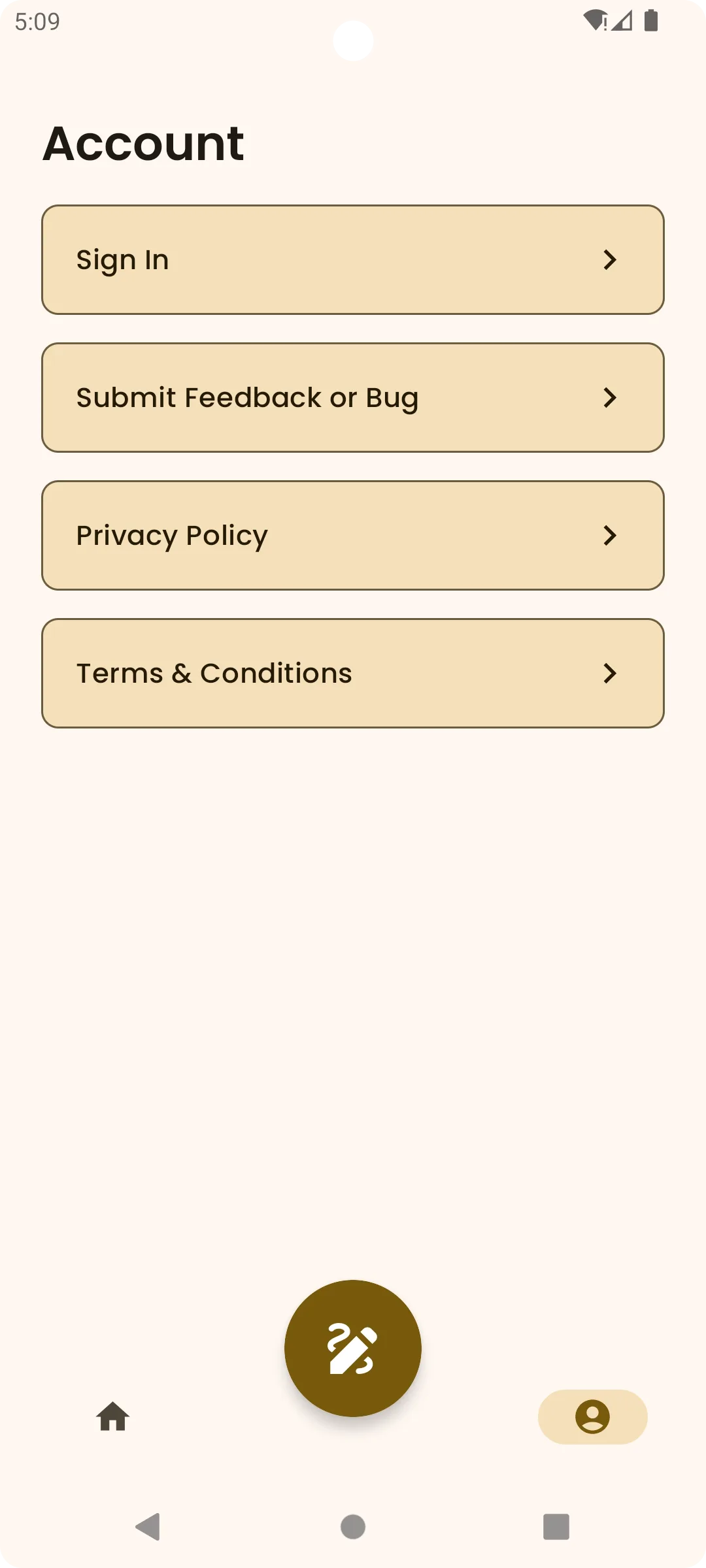
room design app

Room Design App With AI Makeover Ideas

Room design app

No design software learning curve

Use a photo and a prompt instead of building a model or drawing a plan.

  • Made for visual decisions

    Before and after comparison helps you judge whether a style really fits the room.

  • Useful for shared choices

    Save the strongest looks and send them to the person who is deciding with you.

Room Design App With AI Makeover Ideas
Quick and simple

How it works in 3 steps

Upload a photo

Choose a clear, well-lit room photo.

01

Describe a style

Ask for the look in plain language.

02

Compare and save

Keep the ideas that help you decide.

03
FAQ

Frequently asked questions

Yes. Upload a clear room photo, describe the direction you want, and the app generates visual ideas from that image.

Not yet. The iPhone version is planned, but the app is currently available on Google Play.

Yes. You can keep useful ideas so you can compare options and share a visual direction.

No. MiniRoom AI is made for quick visual exploration in plain language.

No. It helps with early inspiration and decision-making, not construction plans, measurements, or professional advice.
Download MiniRoom AI
  • Get it on Google Play
Download
Redesign
Compare
Save
Share
Google Play
Download
Redesign
Compare
Save
Share
Google Play