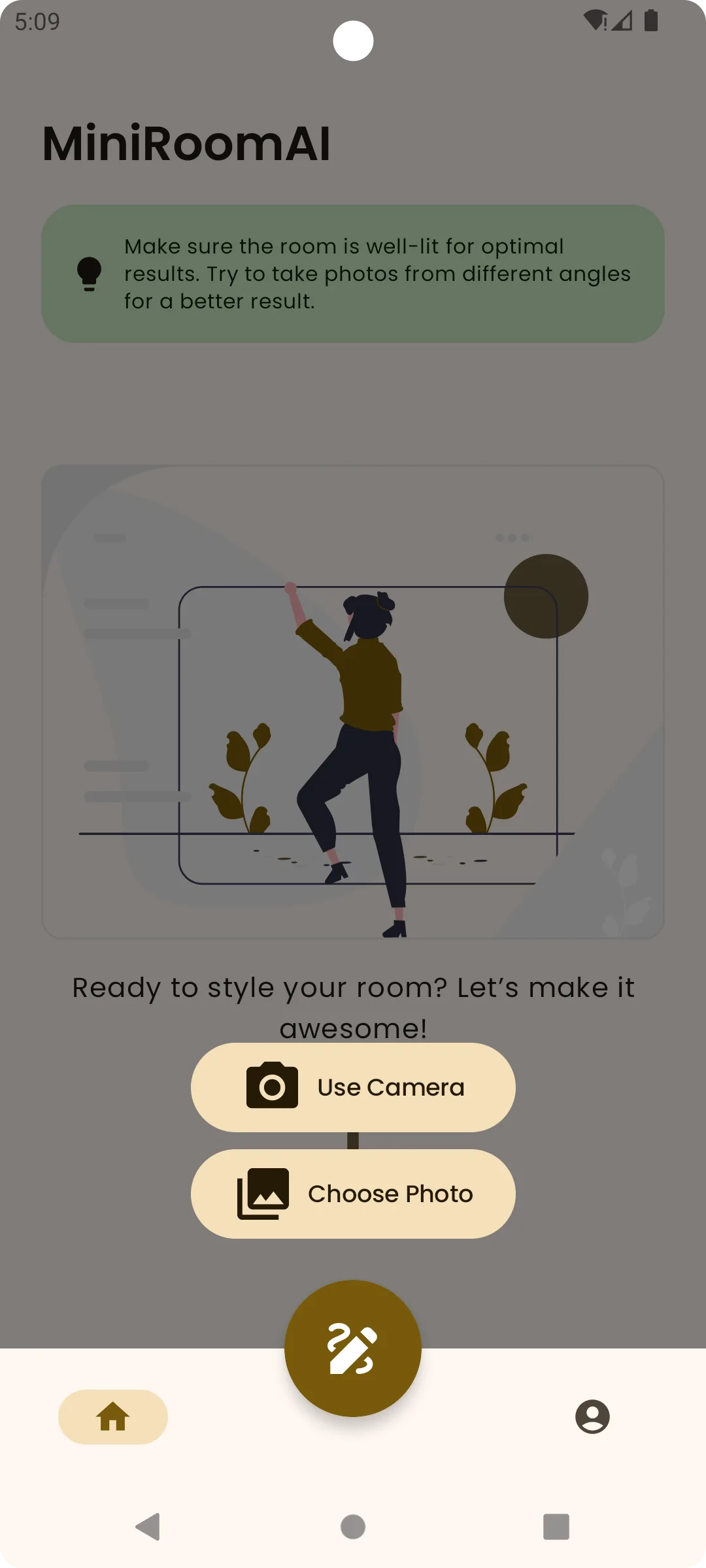
How to use AI to design a room

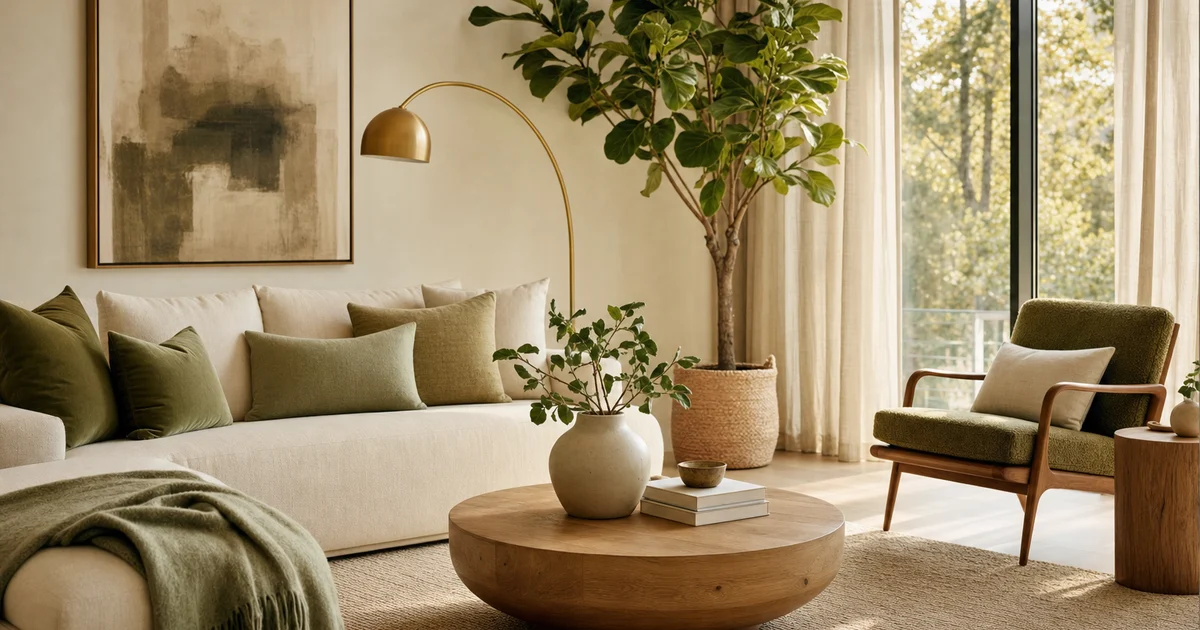
Learn how to use AI to design a room from a photo, write better prompts, compare results, and turn ideas into a realistic plan.
Start with a clear room photo
Stand far enough back to show the room shape, main furniture, windows, and floor. Good light gives the AI better context.
Write a specific style prompt
Name the room type, style, color mood, and one or two priorities. A specific prompt produces a clearer direction.
Generate more than one option
Treat the first result as a direction, not a final answer. Compare variations and look for ideas that keep working.
Turn the image into a plan
Save the strongest result and list the visible changes: color, rug, lighting, furniture tone, storage, plants, and decor.
Try this workflow with a real room.
Open MINIROOM AI on Google Play and save the idea that helps you decide.